
Your entire portfolio at a glanceProperty, vehicles and equipment without mixing their records.
Manage property, vehicles and large equipment in one secure account — from the asset passport to contracts, charges and requests.

For your own records, landlord operations and tenant interaction
Start with one asset and expand the system as your portfolio grows.
Addresses, areas, rooms, floor plans, furniture, VIN, mileage, documents and technical condition.
Landlord, tenant, multiple asset items and a complete relationship history.
Rent, related services, recurring charges, documents and manual payment recording.
Cleaning, waste removal, security, repairs, internet, engineering and seasonal work.
Plans differ by the number of active assets and file storage. You pay for portfolio size, not access to sections.
Free: one active asset with no file storage — numeric readings are available, but photos and documents cannot be uploaded.
More than 200 active assets? Contact us for an individual plan.
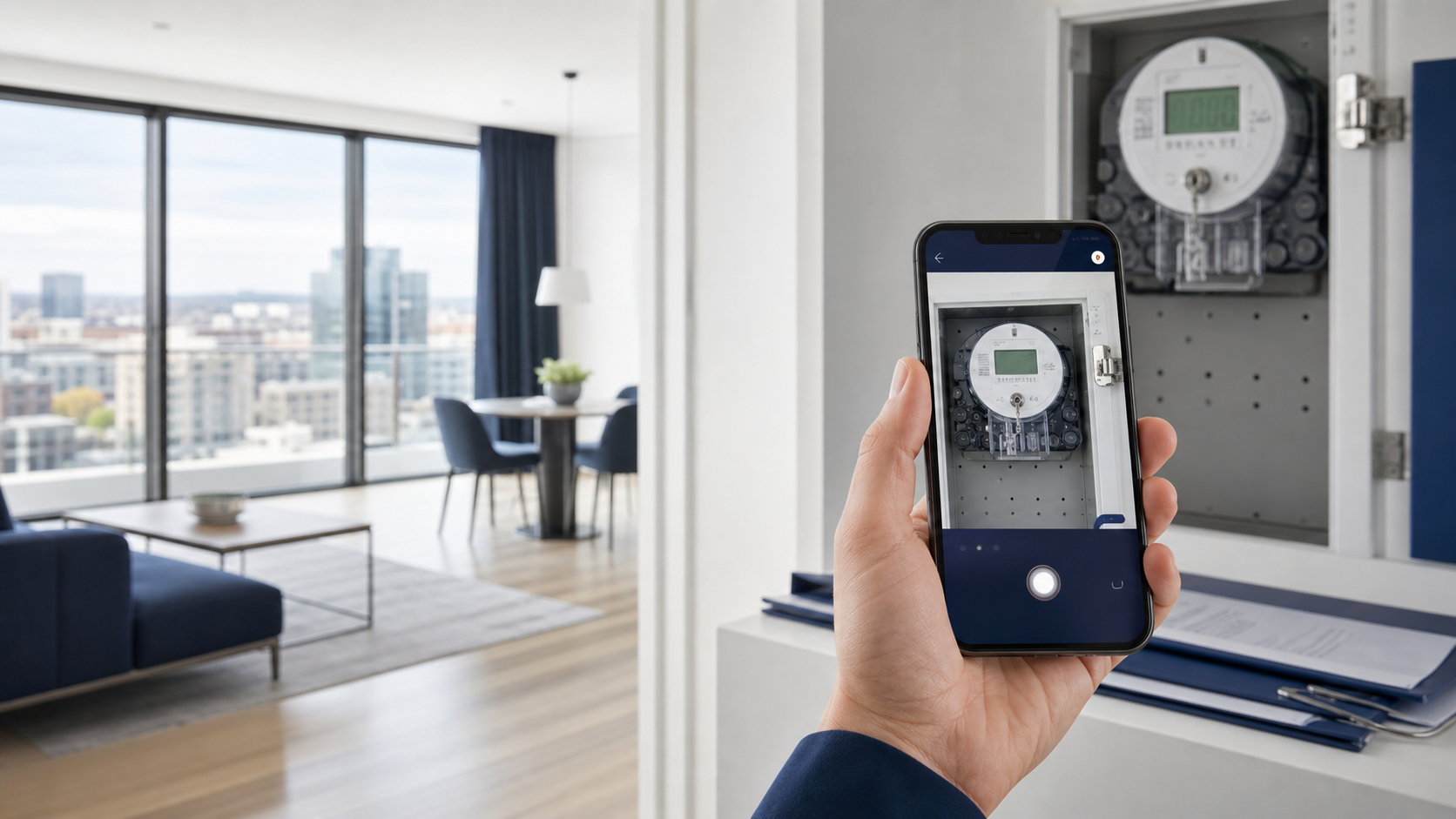
The account stores dated readings, links them to premises and contracts, and supports utility cost allocation. Compatible devices and external systems are connected separately.
Compare monthly and annual billing: the annual package saves about 30%.
Prices for Ukraine are shown in hryvnia. The EUR switch is available for comparing European packages. All plans include the same functions; only portfolio size and file storage differ.
The responsive portal works without installation.
Describe your assets and needs — we will help choose a plan, data migration approach and required integrations.
Answers about features, security, plans and working with different asset types.
RWA Rent is a web service for asset records and rental relationships. It is suitable for residential and commercial property owners, landlords, tenants and asset portfolio managers.
The account works in a browser on both computers and phones.
A spreadsheet stores rows; RWA Rent links assets, parties, contracts, readings, charges, documents, payments and requests.
Public access uses HTTPS, sign-in uses the service's secure mechanism, and records are separated by user permissions and work groups.
Storage location, backups and legal terms are specified in the onboarding documents.
The permanent Free level includes one active asset — premises, a vehicle or equipment — and one active contract. It has the same functional sections as the paid plans.
Free has no file storage: numeric readings are available, but photos and documents cannot be uploaded. Choose a paid level for a larger active portfolio and file storage.
Yes. One user can separately manage assets they own and assets they rent. The role is defined by each contract, not permanently assigned to the person.
It depends on the quality of the source data and the number of assets. For an assisted launch, the guideline is:
The timeframe is confirmed after a brief audit of files and documents, so this is a guideline, not an automatic guarantee.
Yes. Import is used to migrate a portfolio, while export supports review, backup workflows and data transfer to an accountant. Before import, the system shows the structure and errors so records do not enter the account without review.
An accounting system records statutory financial accounting, while RWA Rent organizes daily rental work: asset records, roles and access, contracts, readings, requests, related services and interaction between parties.
RWA Rent does not replace statutory accounting and tax records; it complements them with a rental operations layer.
Yes. The account owner adds users as a manager, accountant, technical specialist or co-owner/landlord. Tenants join through contracts, and each role's permissions limit access to the relevant operations and data.
Free, Start, Pro, Business and Corporate differ by the number of active assets and file storage. The functional sections are the same: you pay for portfolio size, not feature access.
Current monthly and annual prices are shown in Pricing. An individual plan is prepared for portfolios with more than 200 active assets.
Yes. The permanent Free plan is for one active asset and requires no payment card. It has no file storage for photos and documents, but retains numeric records and history.
Yes. The main asset can be premises, a vehicle or equipment, while other assets are added to the same contract as separate items. This is useful, for example, for an office together with furniture, a parking space and a company car.
Cleaning, waste removal, security, internet, technical and repair work can be selected from the service catalog, added to a one-off or recurring charge and included in a document between landlord and tenant.
Readings can be entered manually, submitted with a photo or received through a separately configured integration with a compatible device or external system.
The responsive web account works on a phone without installation. The Telegram assistant is used for permitted actions, notifications and reminders.
The account links contracts, charges, payments and documents between landlord and tenant and generates PDF documents from rental data.
Legal templates, electronic signatures and document-use rules are configured for each country and reviewed by the responsible party.
ERP/CRM exchange uses a documented API. Before connection, the data source, permissions, field set and synchronization direction are defined.
Consultation and support are provided in Ukrainian through an agreed channel. The scope of additional work and response times are specified in the support terms.
Yes. This is a separate service: scanning or receiving copies, recognition, manual review and entry of agreed fields. Cost, timing and confidentiality rules are determined after the documents are assessed.